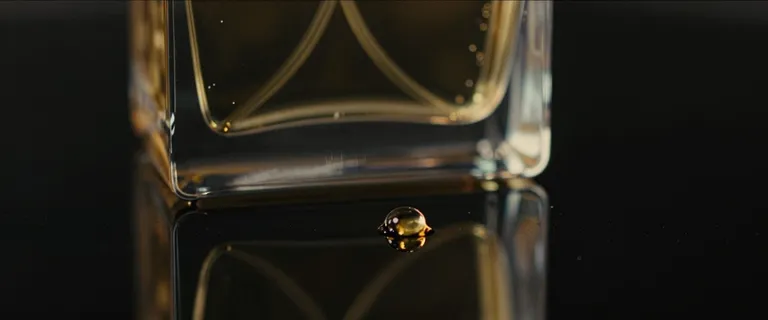
Insert Shot
A tight shot of one object or action, cut into a wider scene to show the viewer a detail they need to see.

What it is
An insert shot is a close view of a specific detail, such as a hand, a tool, a label, a screen or a small action. It sits between wider shots of the same scene and usually shares its location and moment. Its job is to show something precise that a wide shot would hide or make too small to read.
When to use it
A director uses an insert when the story depends on one detail, such as a number on a note, a key turning, or a button being pressed. It saves time because the viewer sees the detail at once instead of searching the frame. It also lets the edit shift attention without moving the whole camera.
How to prompt it
Name the detail and its action first, then the framing. Use extreme-close-up, keep the lens and light the same as the wider scene, and generate the insert as its own clip. In Seedance, Kling, Veo, Sora, Runway or Wan, avoid asking one clip to show both the wide scene and the detail. Repeat the object's exact name in every prompt so the cut matches.
7 examples in the library